Try TalentInitiator with demo data
The demo is the product itself, running on fictional people and companies. Sign in as a recruiter, follow a job from intake to shortlist, and see every rule and decision on screen.
Pilots run on the demo today, with fictional people and companies. Real candidate data comes with release 0.2 (target: Q1 2027), once sign-in for customer accounts, key management in Canada and delivery reports from the messaging providers are live.
No sign-up. Pick a person on the sign-in screen and you are in.
What “demo data” means
- Every person and organization in the demo is fictional. Organizations carry “(Demo)” in their names, email addresses end in @example.test and phone numbers use the 555 range.
- Every screen carries a banner that reads “Demo data — fictional people and companies”, and scores and summaries are marked “Demo mode · offline evaluation”.
- Messages go to an outbox inside the demo. Nothing you do reaches a real person.
- Everyone who opens the demo shares it. What you change stays for the next visitor until the demo goes back to its starting data, every night at 3 a.m. Eastern time.
- Because the demo is public and shared, do not add real people’s information to it: no real résumés, names, email addresses or phone numbers.
- Scores and summaries come from an offline evaluation: the same answers always get the same result, and no candidate information leaves the demo. Live evaluation is switched on only by our platform administrator, with a monthly budget cap.
A twelve-minute walkthrough
The steps the demo is built around. Each one runs on the seeded data, with nothing to prepare.
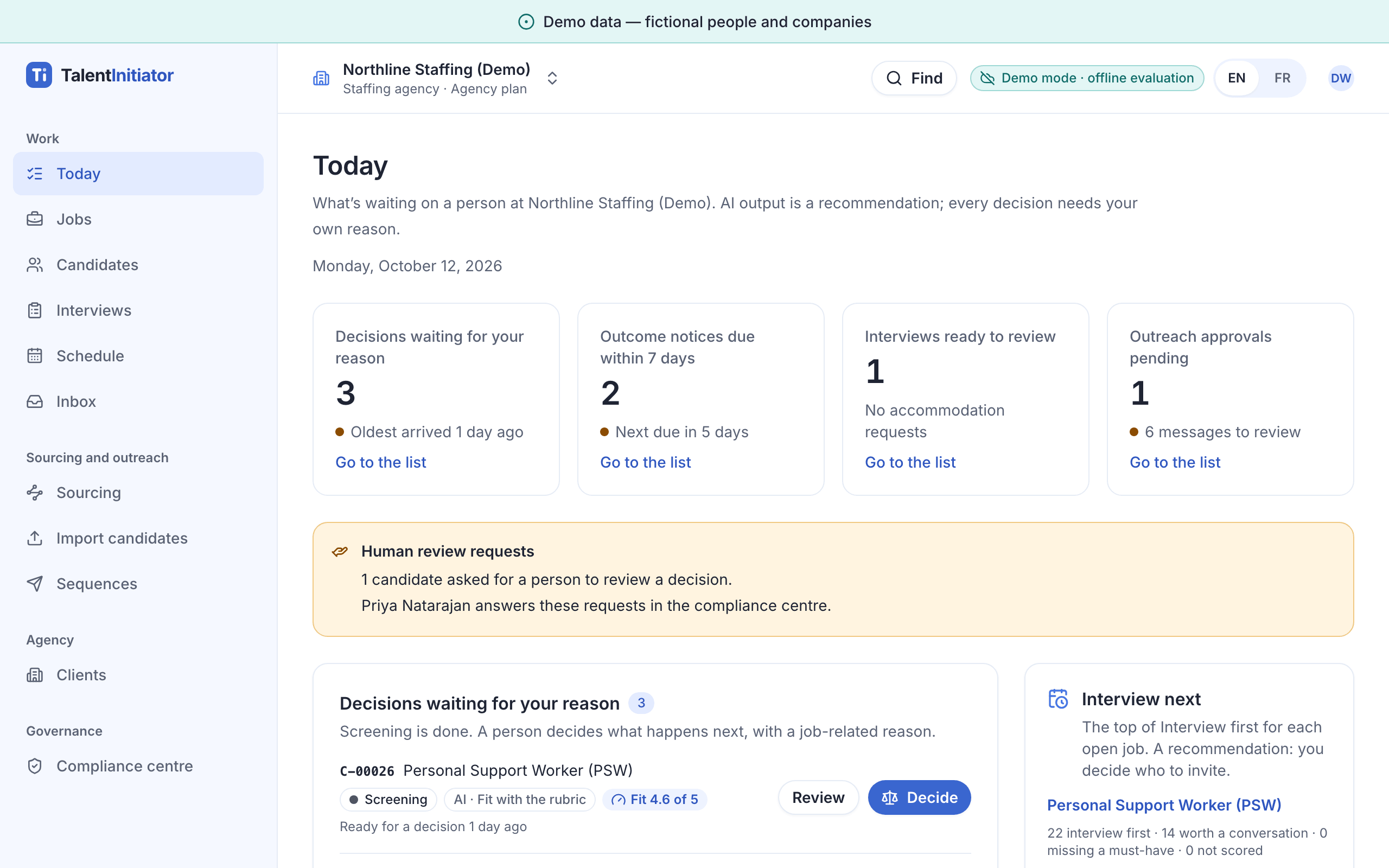
- Sign in as Dana and read the Today screen: decisions waiting for a reason, notices coming due. Switch to French and back.
- Paste a client’s emailed job description. Watch the fields fill in and the Ontario and Quebec rules switch on.
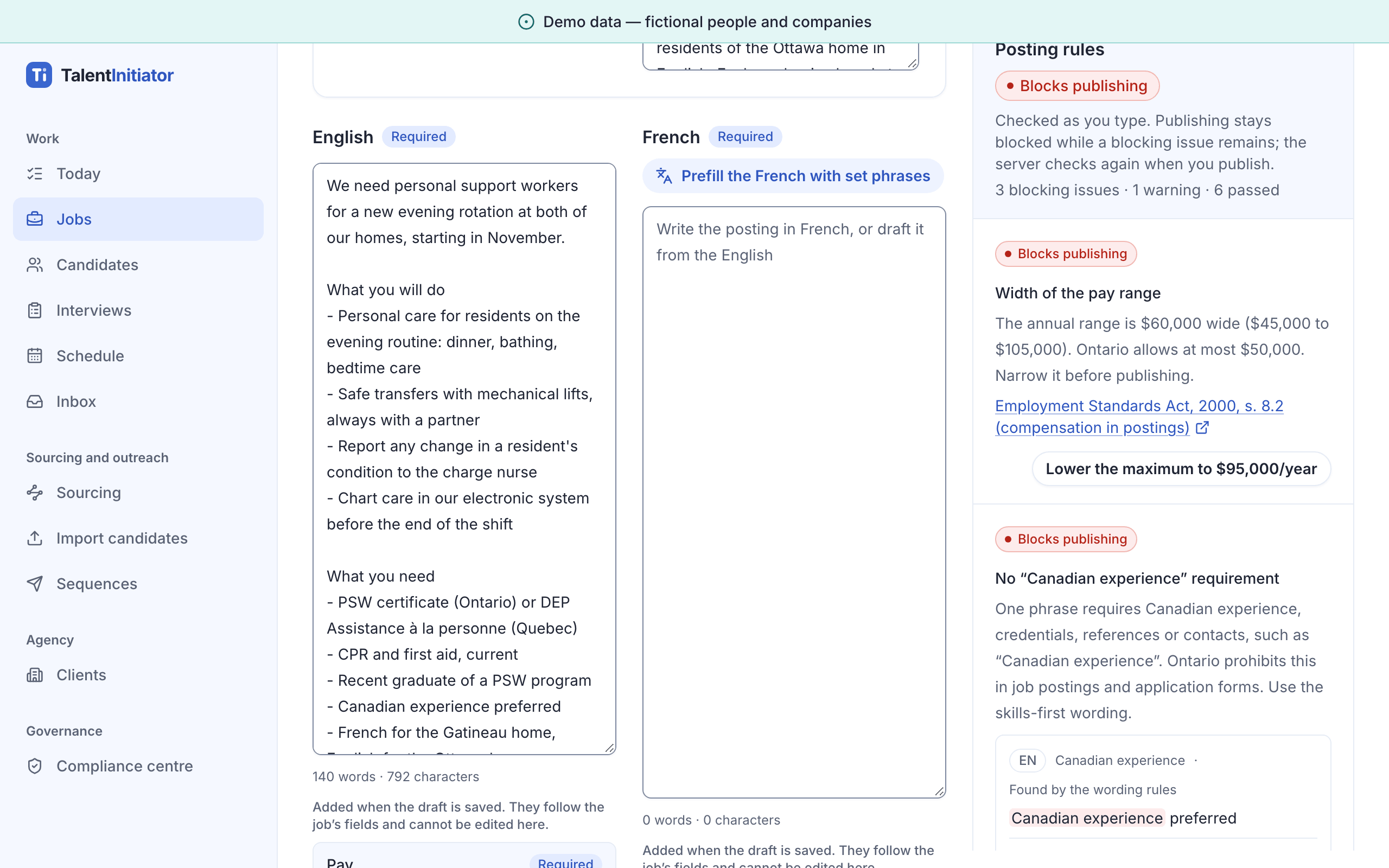
- Fix the pay range the posting check refuses, rewrite the “Canadian experience” line and add the required statements. Then press “Prefill the French with set phrases”, read the French version and save.
- Review the proposed criteria. The guard rejects a proxy for a protected ground; approve the rest.
- Publish to the careers page and see each job board’s real state, from live to planned, each with its date.
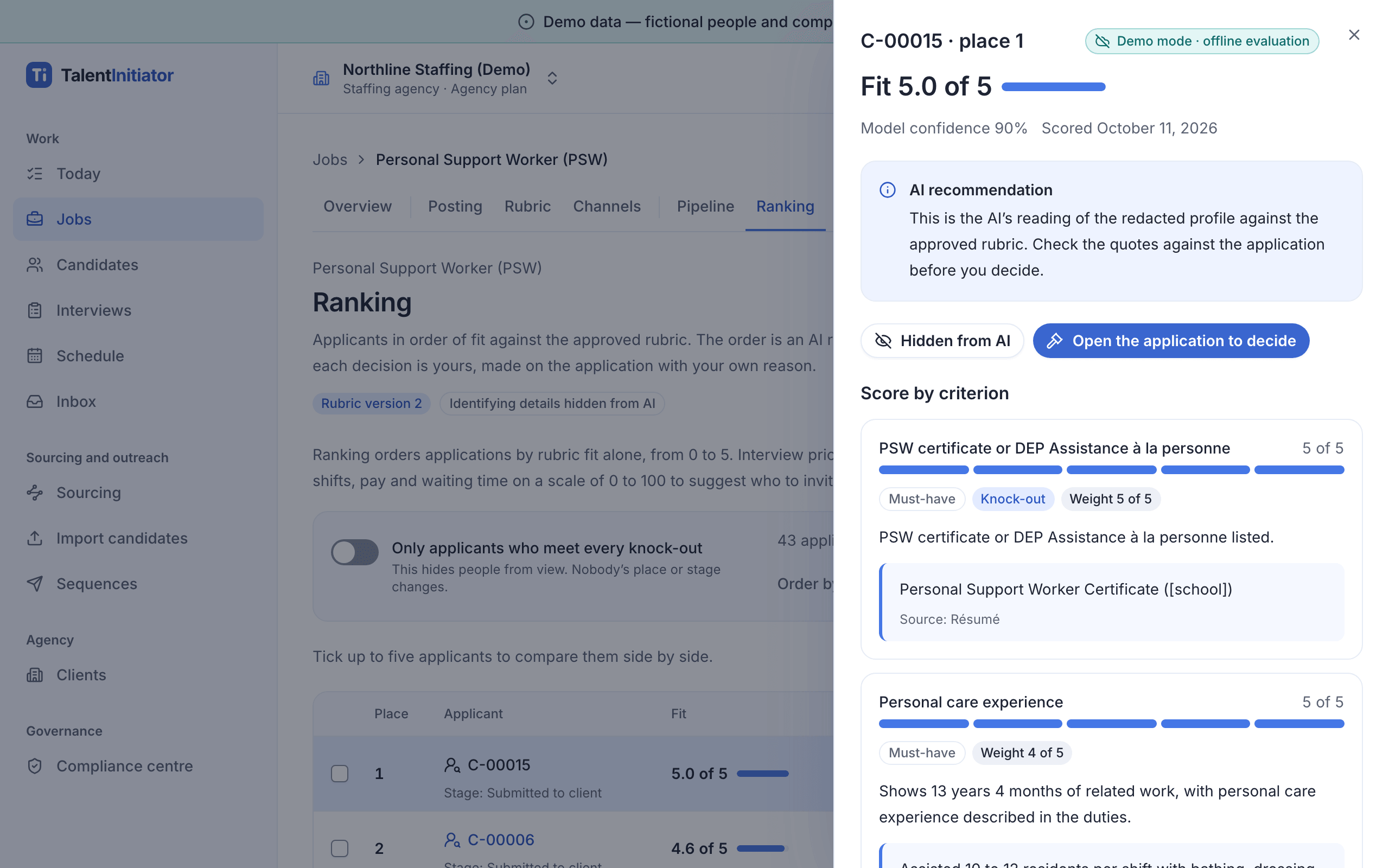
- Import résumés, then read the ranking with its quotes and what was hidden from AI.
- Approve outreach in each candidate’s language. One candidate is blocked because they opted out (unsubscribed or withdrew consent).
- Open the candidate’s view on a phone, in French: the screening chat and the asynchronous interview.
- Advance one candidate with a reason, then try to reject another on the AI recommendation alone.
- Send an anonymized shortlist to the client, then export the job’s compliance pack.
Recorded walkthrough
The recording runs 4 min 58 s and has no sound. Captions in English and French describe each screen; pick a language from the player’s caption menu. Marie-Ève’s steps are shown on a phone. Demo data — fictional people and companies.
Read the transcriptScreens from the demo
Captured from the demo, with its fictional people and companies, in English and in French. Select a screen to open it at full size.
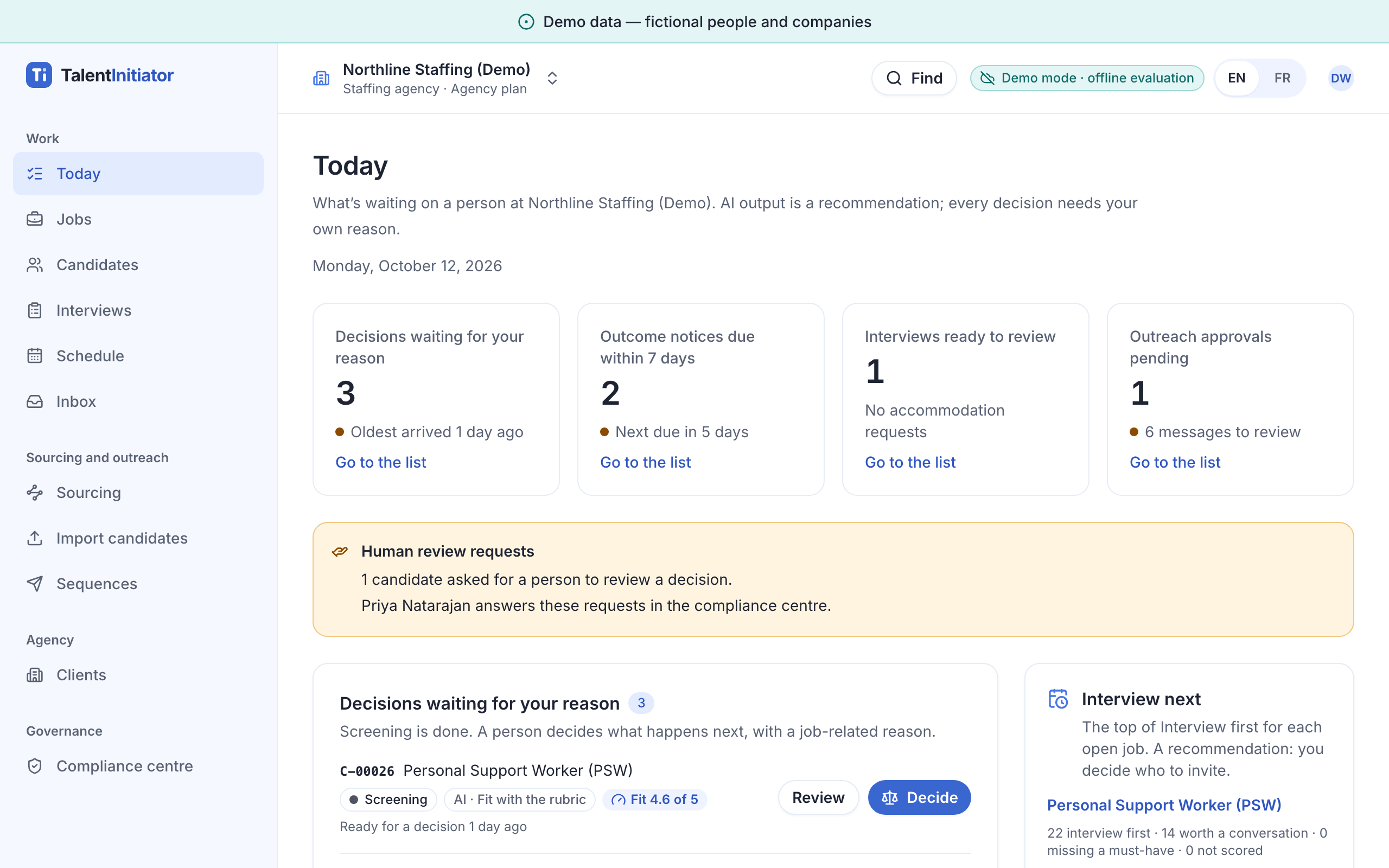
Today starts with what is waiting on a person: decisions, notices coming due, interviews and approvals. 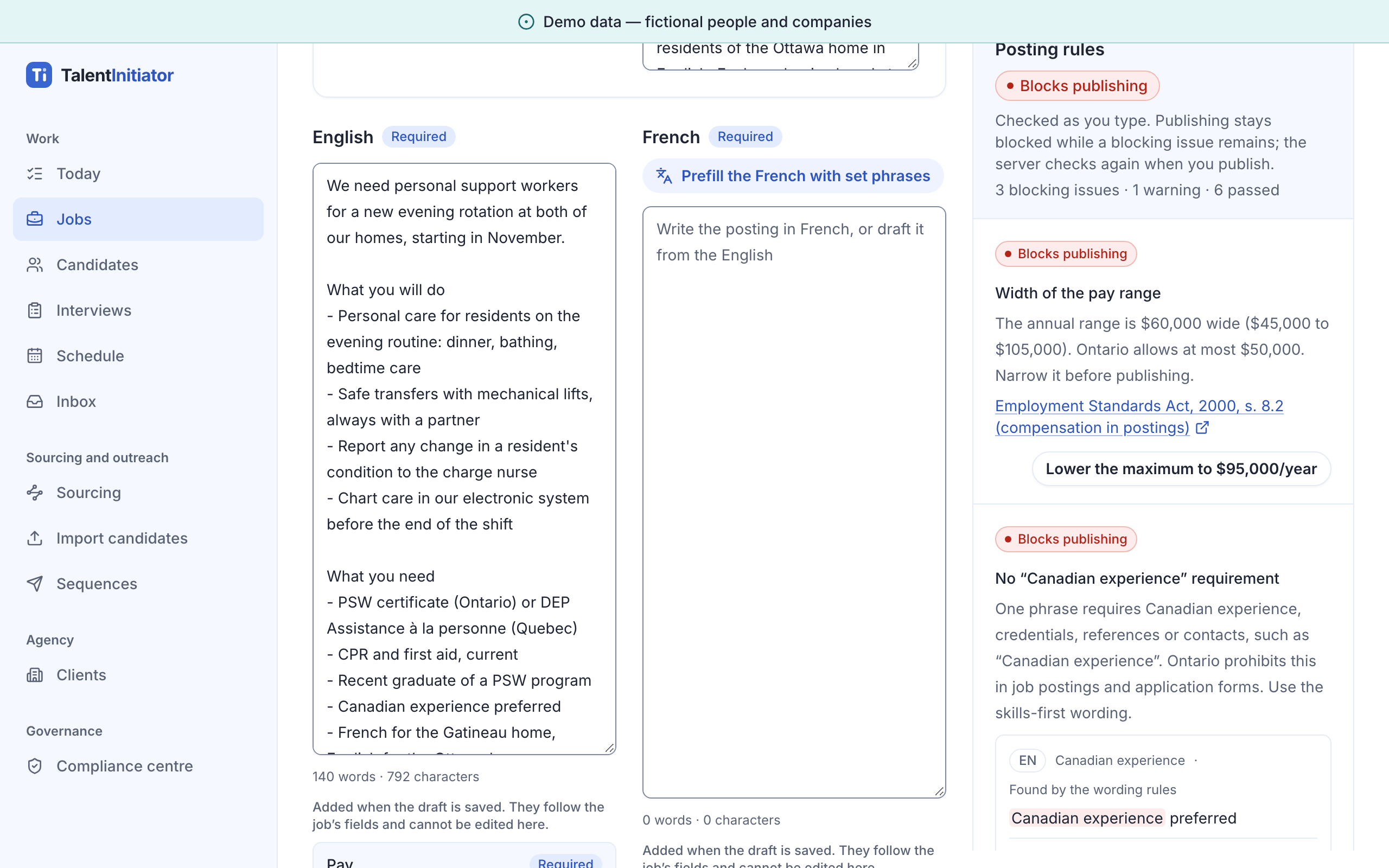
The compliance panel checks the draft as it is written and blocks publishing until each rule passes. 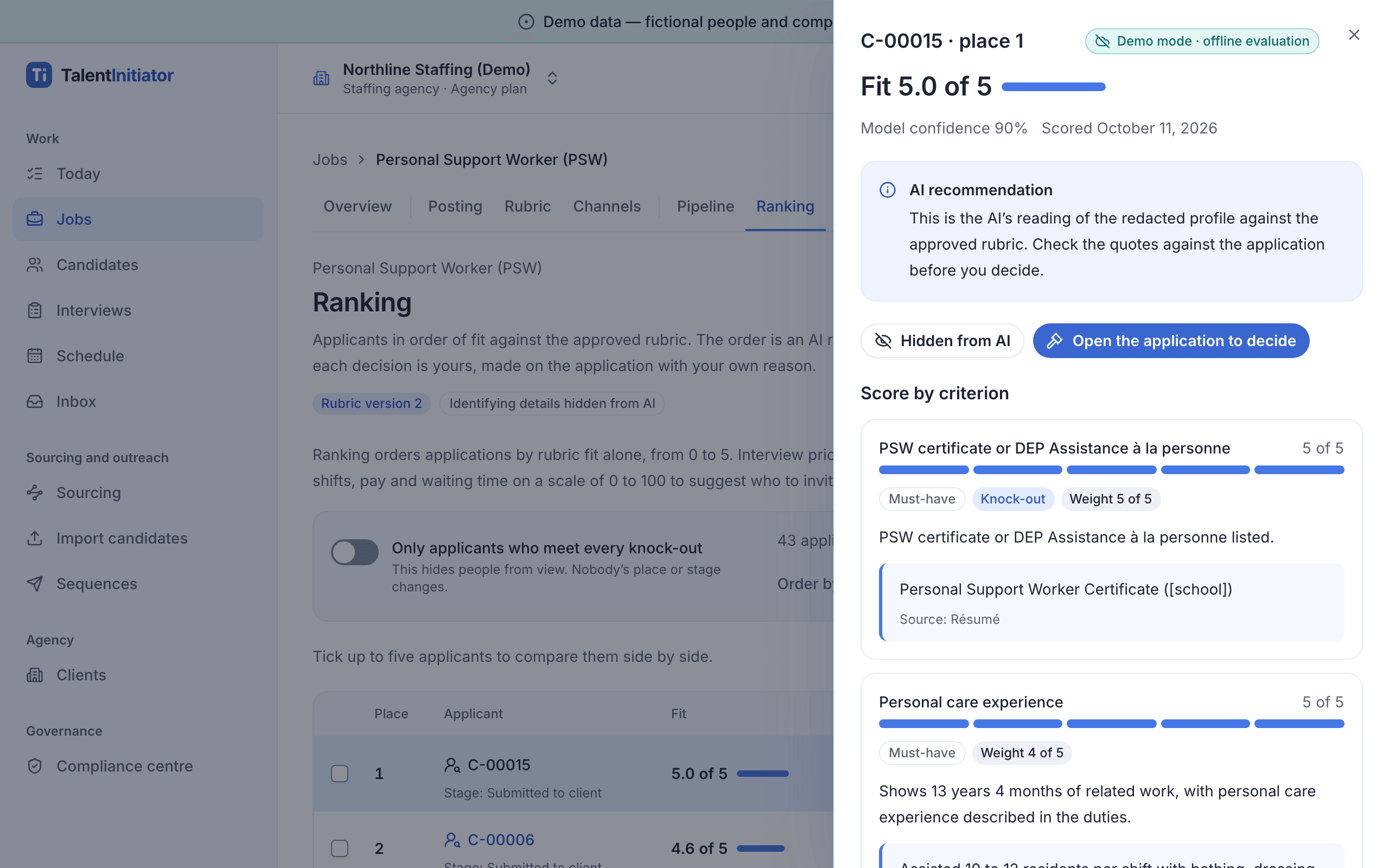
Applicants appear by reference, and every score shows the résumé line behind it. 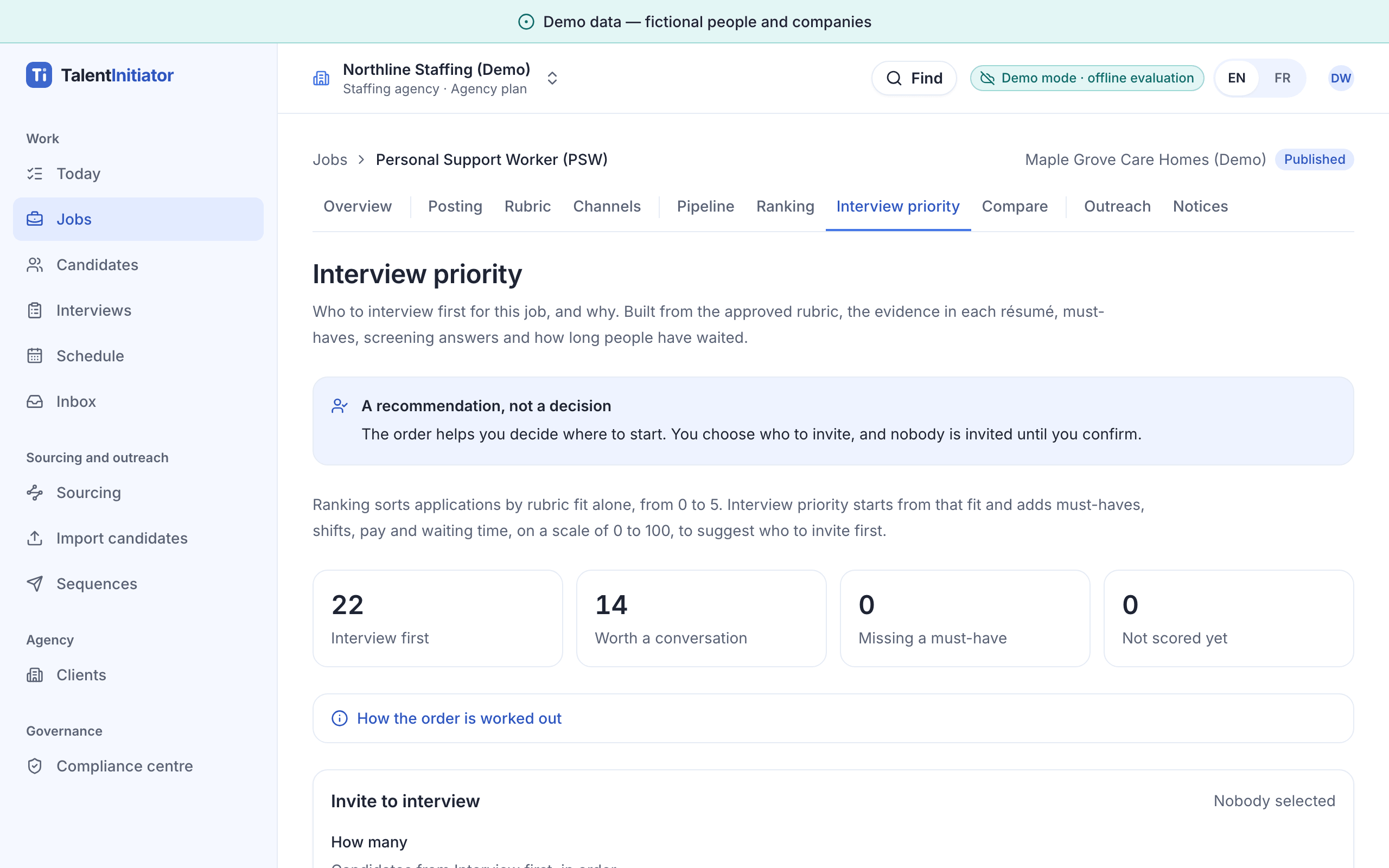
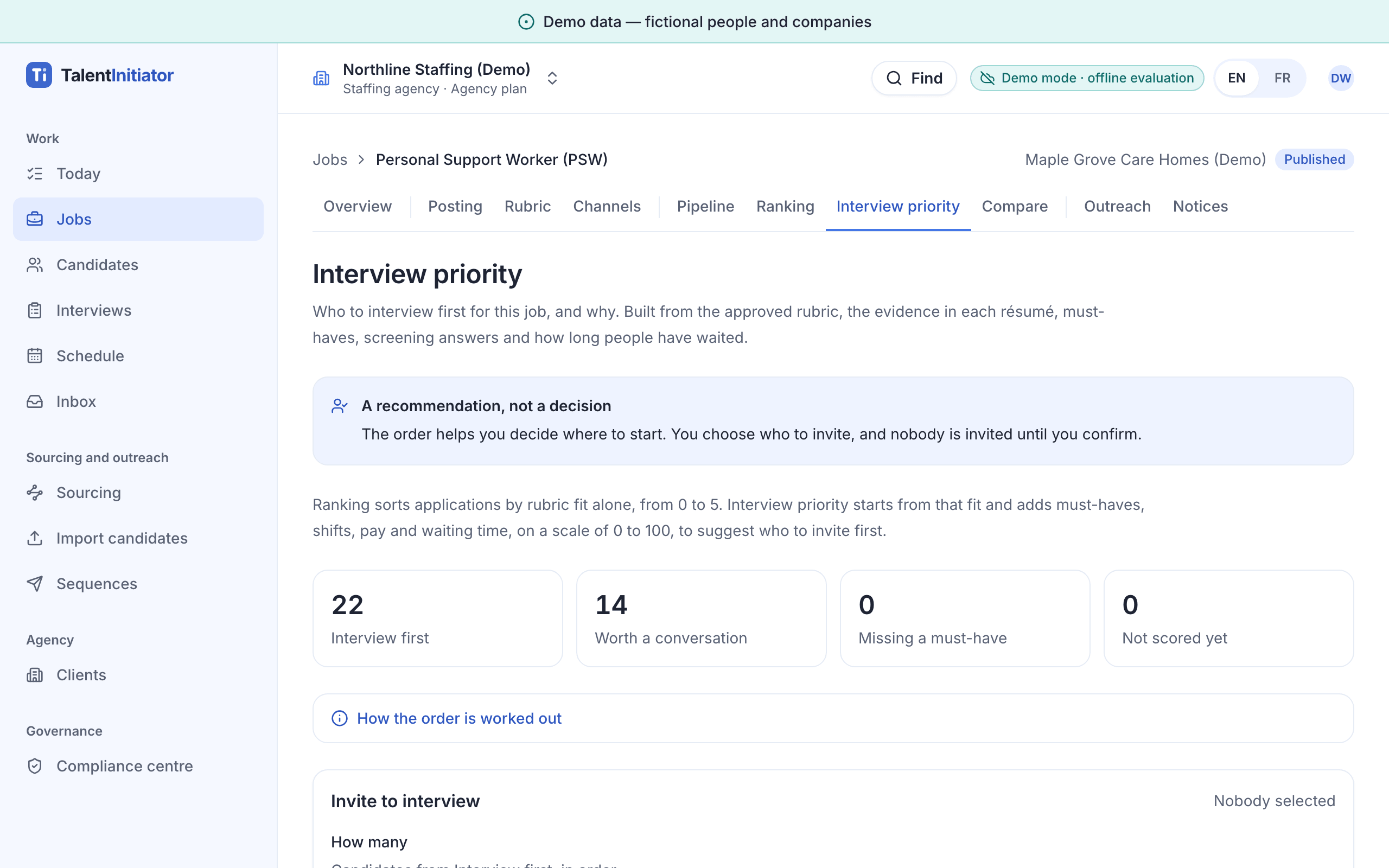
Who to interview first, and why. Nobody is invited until the recruiter confirms. 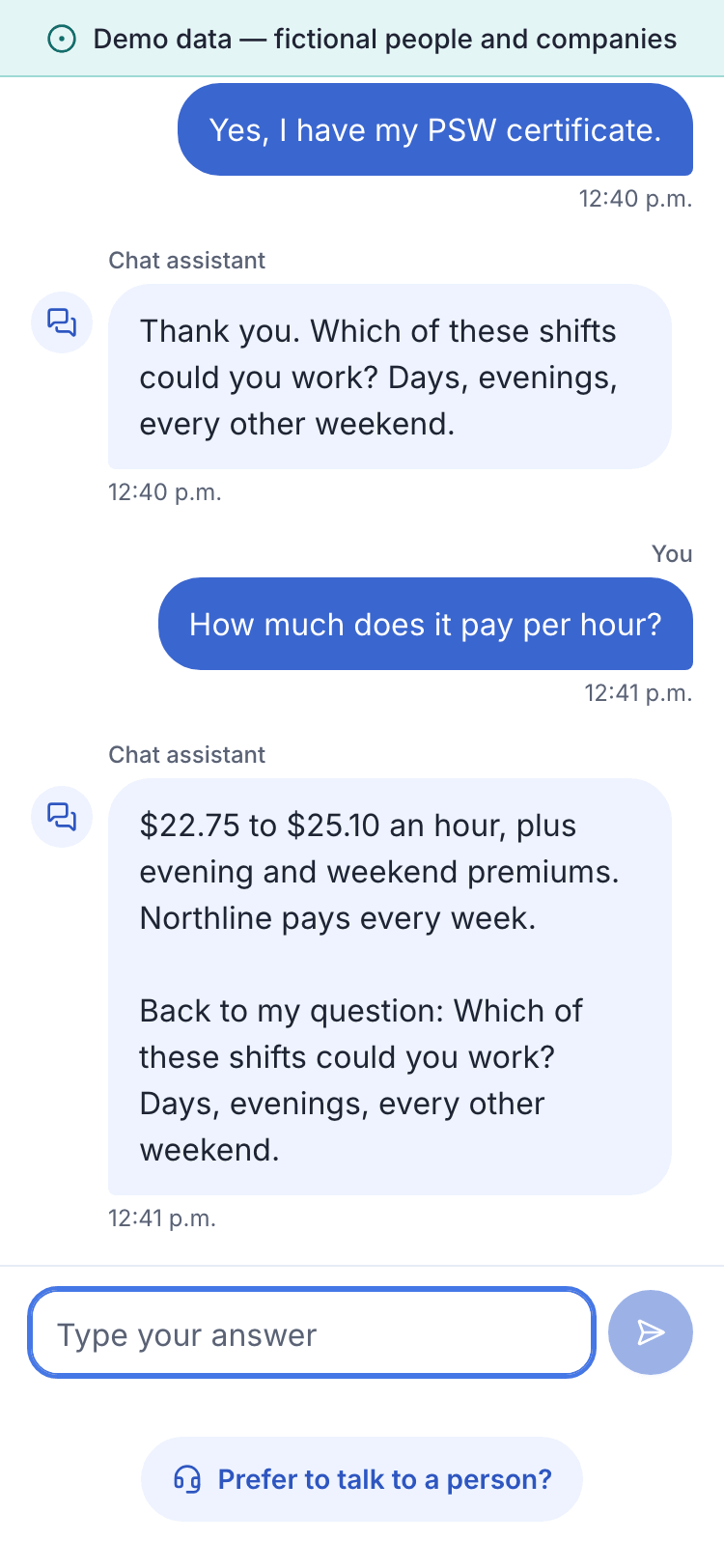
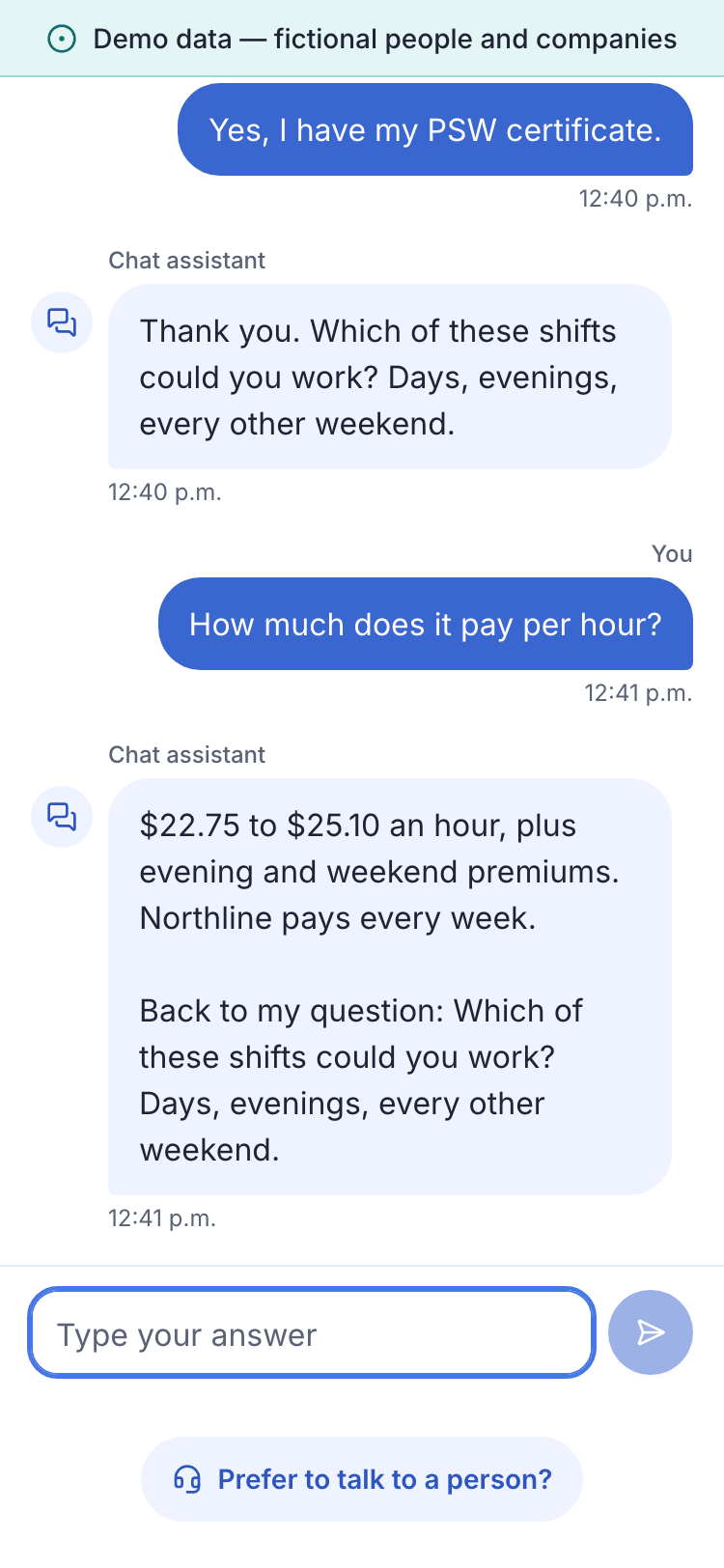
The screening chat answers from the posted facts and keeps a person one tap away. 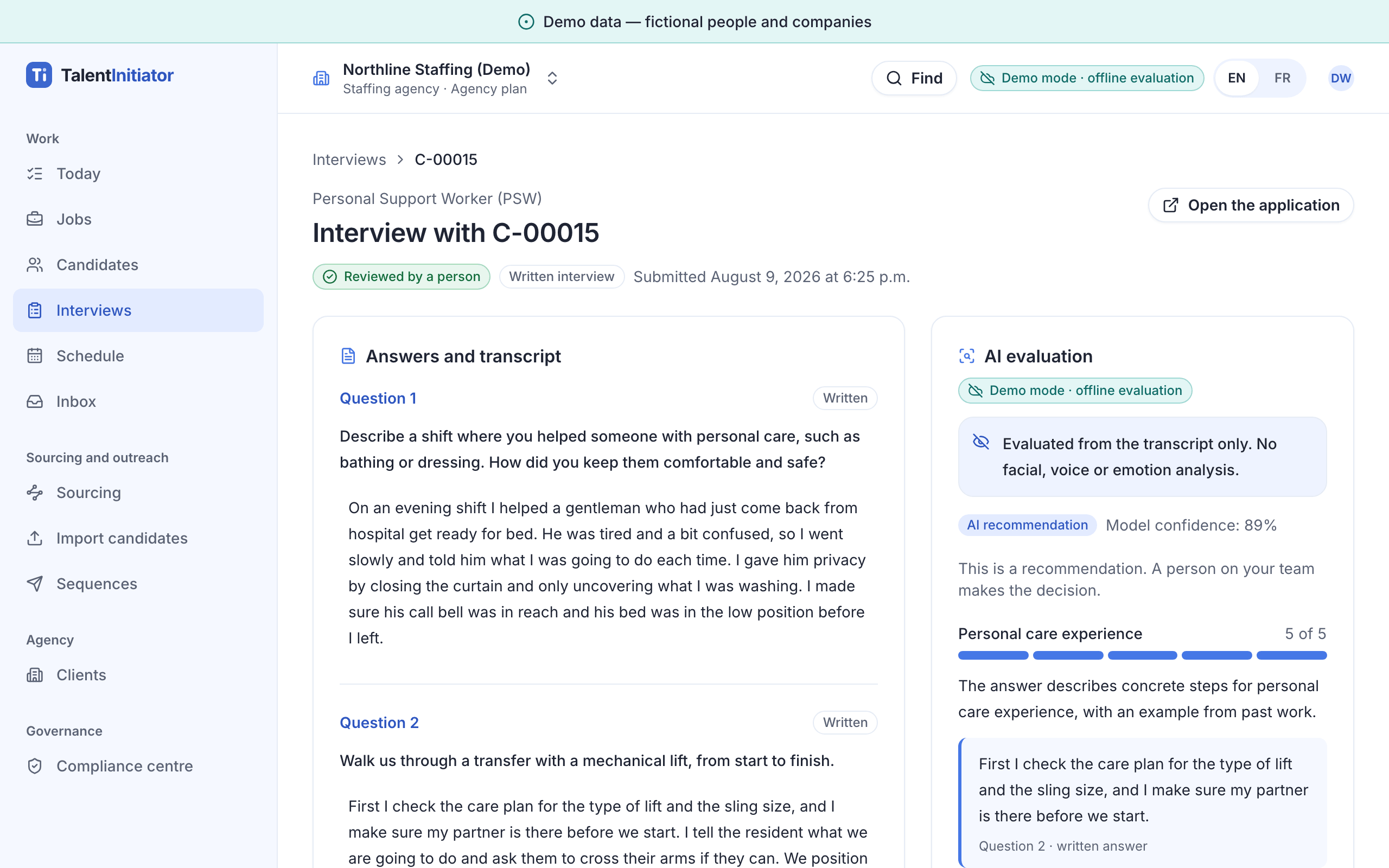
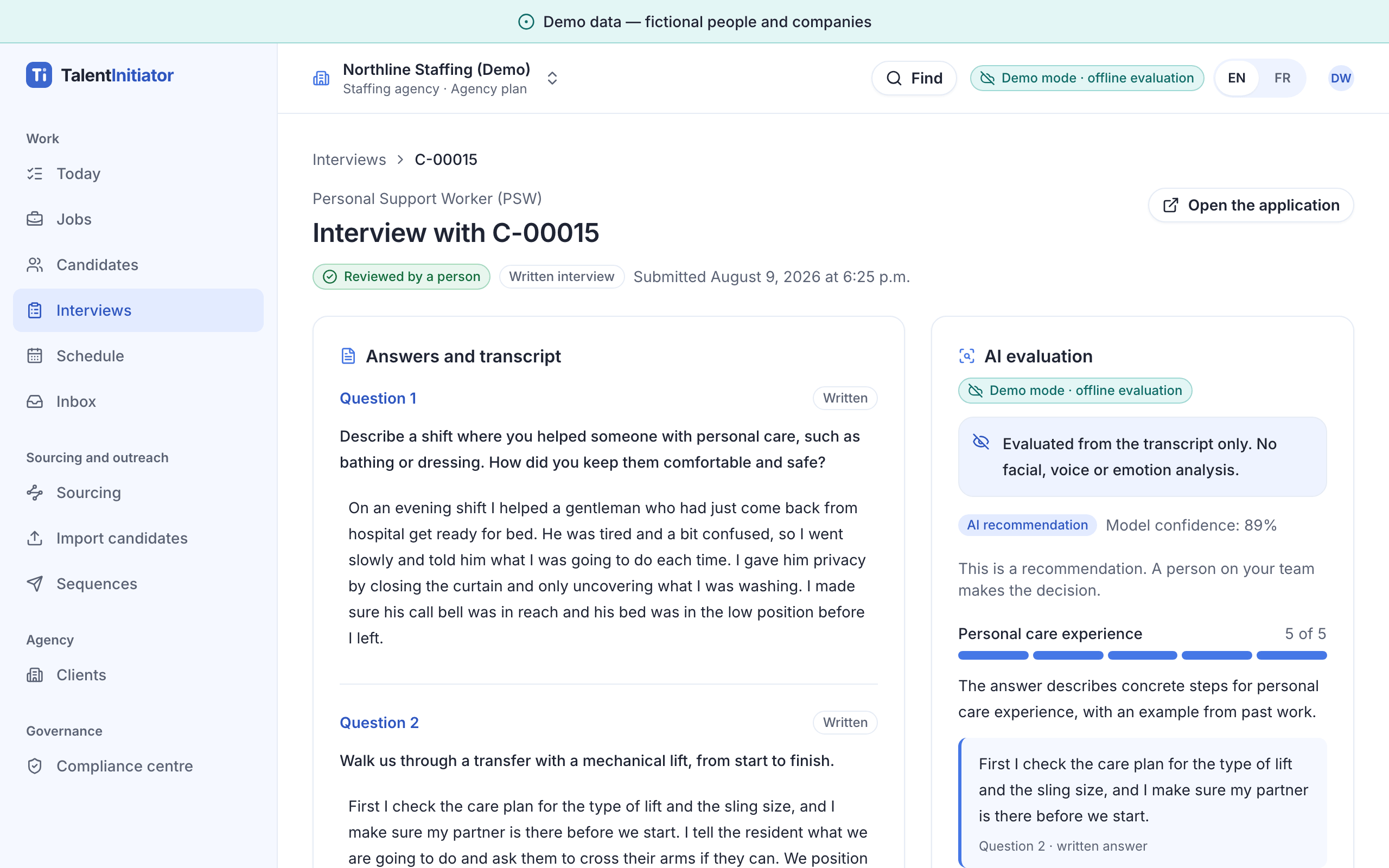
The answers and the AI evaluation side by side. The decision stays with the recruiter. 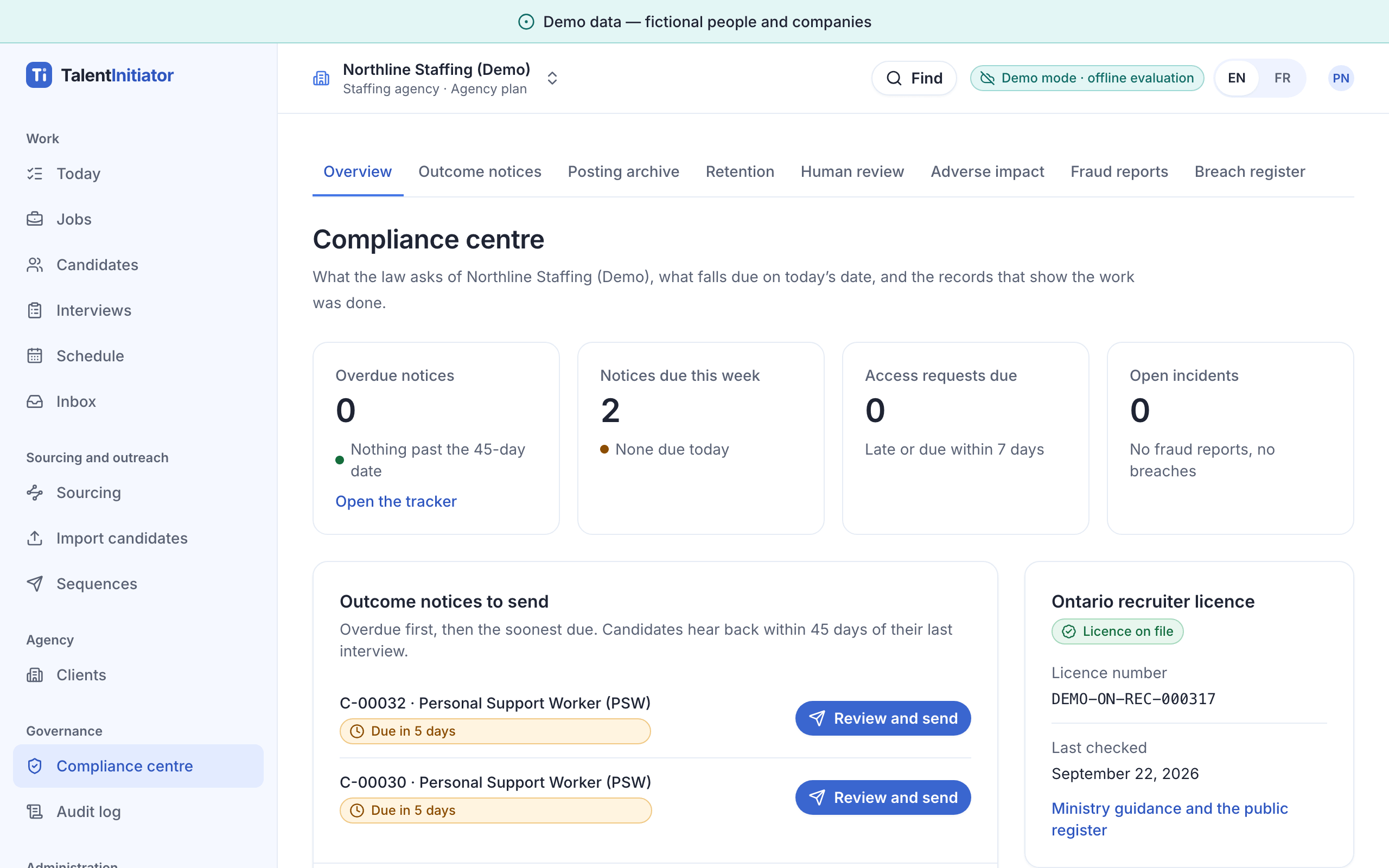
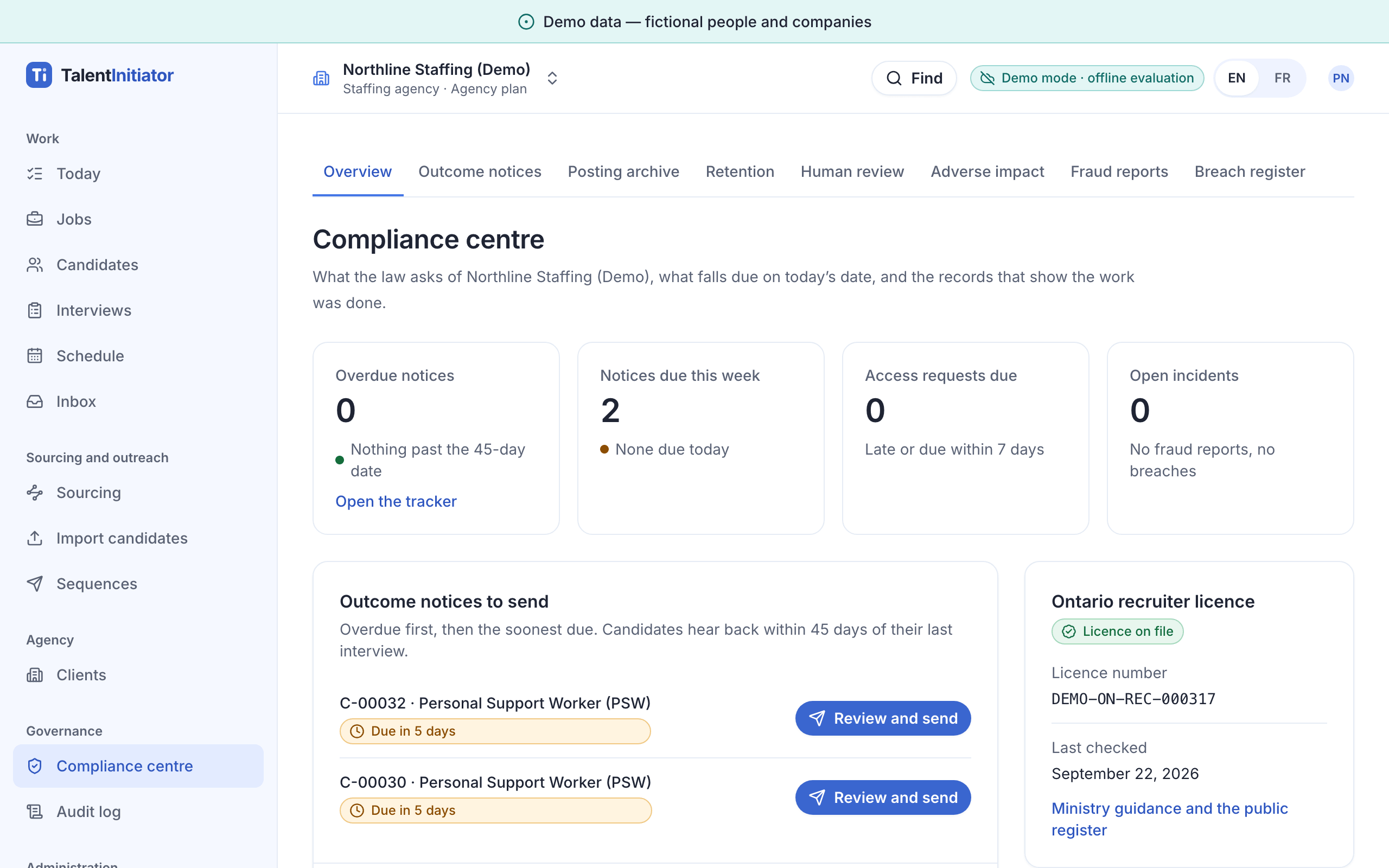
What the law asks for, and what falls due, on today’s date. 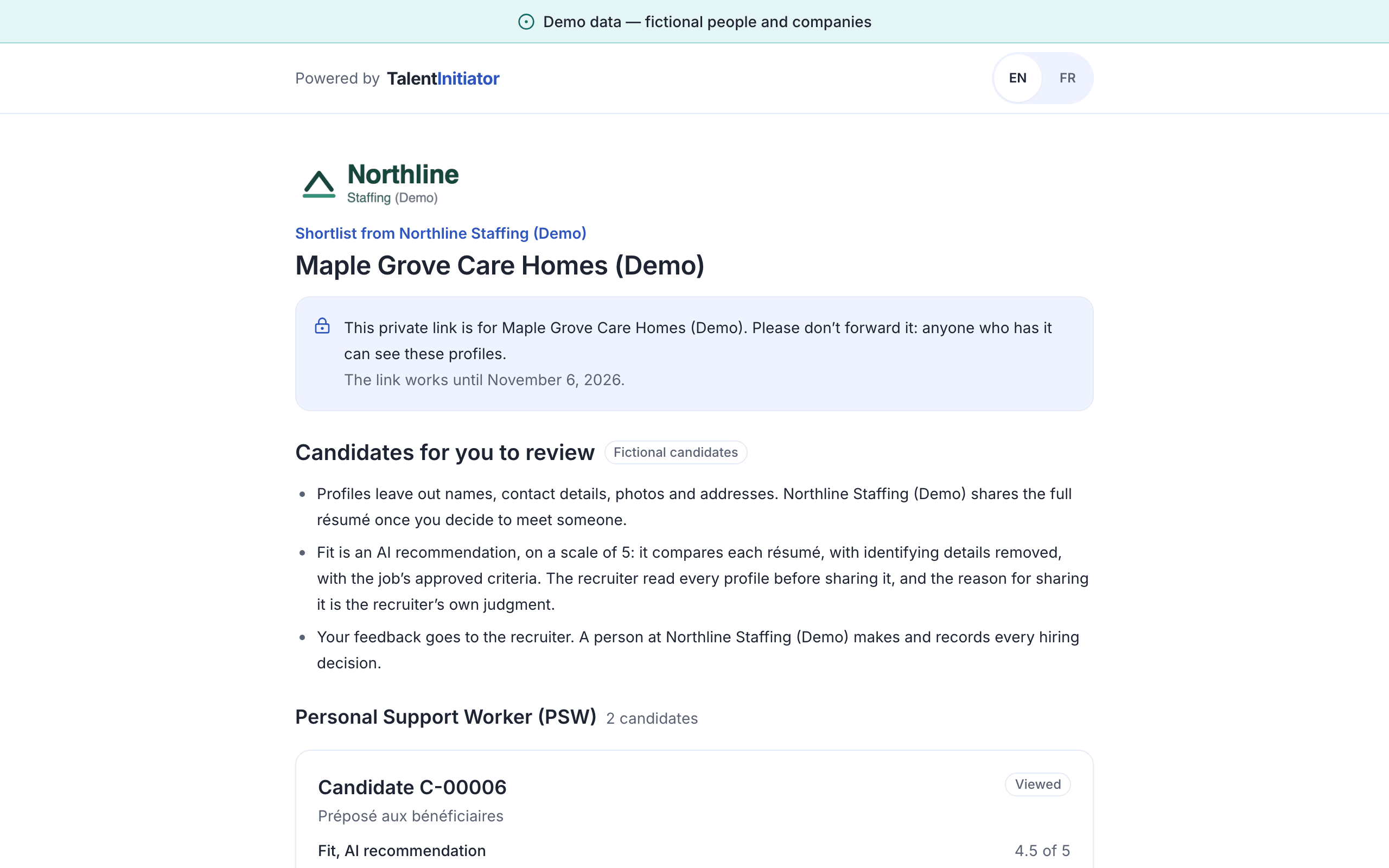
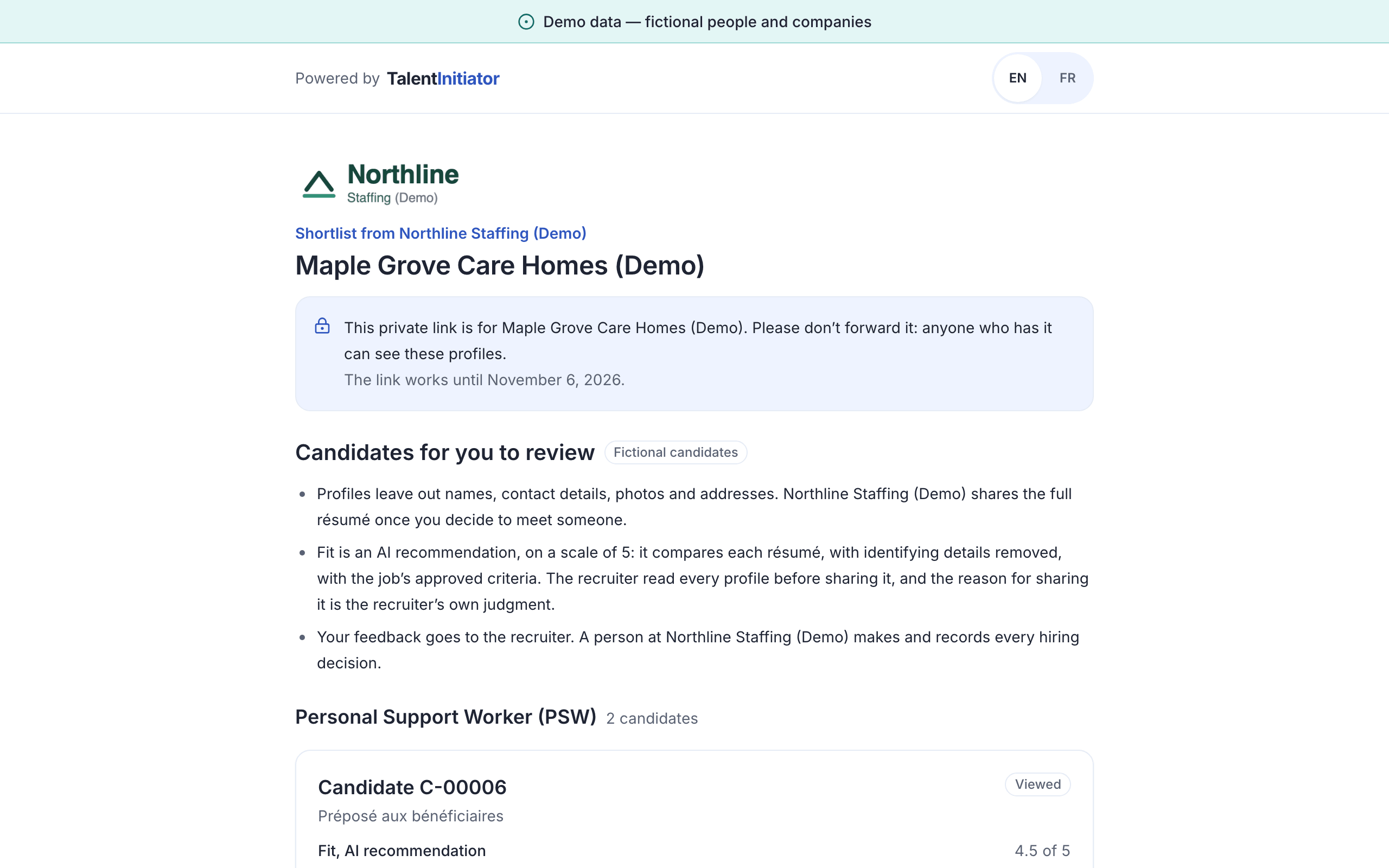
Clients review anonymized profiles from a private link, with no account to create.
Who you can sign in as
Each person shows a different side of the product. The sign-in screen lists them all.
- Dana Whitfield
- Recruiter at Northline Staffing (Demo). Runs the main walkthrough, from a client’s job order to the shortlist.
- Priya Natarajan
- Owner and privacy lead at Northline Staffing (Demo). Answers human-review requests and access requests.
- Jordan Patel
- HR manager at Maple Row Retail (Demo), a retailer hiring for store openings.
- Hélène Roy
- Compliance lead at Maple Row Retail (Demo). Exports audit trails and the adverse-impact report.
- Marc-André Lévesque
- HR lead at Résidence Beauséjour (Demo), a long-term care home in Laval, working in French.
The candidate and client views open from links inside the demo, as they would from an email or a text message.
Start with Dana’s Today screen
The demo runs in your browser. You can also open a careers page from the demo as a candidate would see it.